
Automate your accounting inbox - no more manual triage
Route supplier emails, detect invoices, and extract attachments in seconds.

Introduction
Finance and accounting teams waste hours sorting through shared inboxes because incoming emails are messy, repetitive, and mixed with critical documents like invoices or payment requests.
Phacet automates inbox management using OCR and intelligent labeling, enabling real-time routing, clean data extraction, and fraud detection with human-in-the-loop validation.
When to use this Phacet
Perfect for accounting teams or back-office managers who want to:
• Automatically triage emails sent to shared inboxes like accounting@
• Extract and forward invoices to the right systems (e.g. Pennylane)
• Flag suspicious or fraudulent documents for review
AI skills involved

Automatically pull key data points from your documents
Phacet identifies and extracts the fields that matter — invoice numbers, amounts, due dates, IBANs, supplier references, VAT codes, contract terms — even from unstructured or inconsistent documents. Data comes out clean and ready to use in the next step.

Automatically classify your transactions, entries and documents
Phacet assigns categories, analytical codes or custom labels to your data - based on your rules, your chart of accounts, or patterns it learns from your history. Bank transactions, supplier invoices, expense lines: everything is classified consistently, at scale.

Spot duplicates, outliers and suspicious patterns in your data
Phacet scans your full dataset to surface what shouldn't be there - duplicate payments, abnormal amounts, unknown suppliers, unusual timing patterns, RIB changes. It catches what rules alone can't predict, without requiring you to define every possible scenario upfront.

Route exceptions to the right person and track every decision
Phacet doesn't decide edge cases alone. It routes ambiguous results to the right person with full context - original document, matched data, confidence score. Your team validates, corrects or rejects. Every decision is logged. The AI learns from each correction and gets more accurate over time.

Read and convert any financial file, whatever the format
Phacet reads PDFs, scanned invoices, bank statements, email attachments and ERP exports natively — regardless of layout, quality or source. No manual preparation, no template to configure. If you can open it, Phacet can read it.
Business impact

94%+ time saved
Eliminate manual email triage and focus only on exceptions.

Fewer errors, no missed invoices
Automated classification ensures critical documents are never lost or overlooked.

Scale without hiring
Process 10,000+ supplier emails per month without adding headcount.

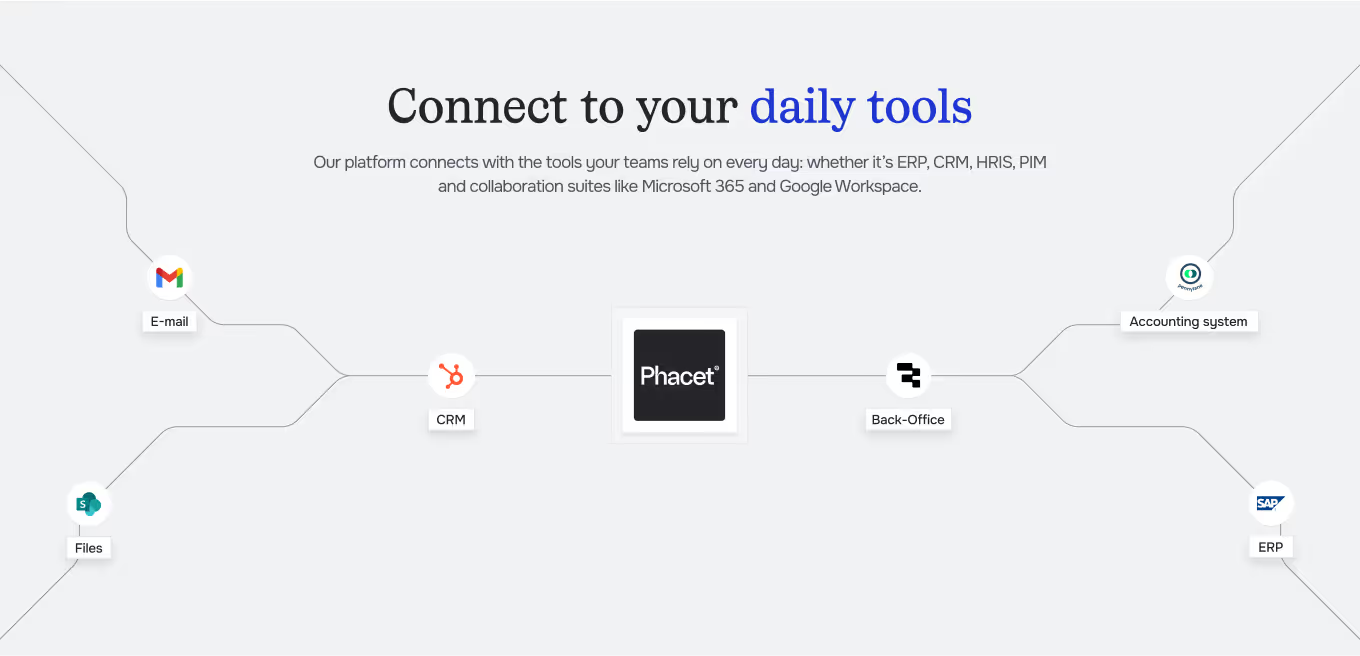
Integrated with everything








%201.svg)




“Thanks to the AI inbox agent, our accounting team no longer has to manually sort through invoice emails. Everything is routed in real time, and we’re now exploring fraud flagging and smarter routing.”
— La Nouvelle Garde, Accounting Team Lead
Steps to get Started
Connect your shared inbox
Link your shared inbox (Outlook, Gmail, etc.) to Phacet.
Detect & classify
Phacet scans each incoming email, detects invoices, and labels messages based on content and attachments.
Route & extract
Invoices and attachments are automatically routed to the right destination (e.g. Pennylane, folders) with clean data extracted.
Validate
Human-in-the-loop validation ensures edge cases like duplicates or fraud risks are reviewed before action.
Unlock your AI potential
Do more with your existing resources using tailored AI solutions.
Frequently Asked Questions

