Control supplier billing and reduce overpayments
Extract invoice information, automate checks, and enforce negotiated price lists.

Introduction
Stop overpaying suppliers. Automate invoice control and protect your margins. For many procurement and finance teams, manually checking supplier invoices is slow, error-prone, and relies on random sampling. This means hidden overpayments slip through every month. With Phacet’s Invoice Control Agent, you can automatically extract invoice data, compare it to negotiated price lists, and identify discrepancies in minutes, no Excel gymnastics required. The result? Less supplier error, lower costs, and more time for strategic work.
When to use this Phacet/this play?
Perfect for procurement and finance teams that want to:
- Move from occasional sampling to 100% invoice checks.
- Quickly identify supplier overbilling and anomalies.
- Standardize controls across sites or business units.
- Free up time for strategic sourcing and negotiations.
AI skills involved

Read and convert any financial file, whatever the format
Phacet reads PDFs, scanned invoices, bank statements, email attachments and ERP exports natively — regardless of layout, quality or source. No manual preparation, no template to configure. If you can open it, Phacet can read it.

Automatically pull key data points from your documents
Phacet identifies and extracts the fields that matter — invoice numbers, amounts, due dates, IBANs, supplier references, VAT codes, contract terms — even from unstructured or inconsistent documents. Data comes out clean and ready to use in the next step.

Automatically match your data across files, tools and systems
Phacet cross-references your data across sources - invoices vs. payments, POs vs. receipts, bank lines vs. GL entries, CRM deals vs. billing records. It tells you exactly what matches, what's missing, and what's off. No VLOOKUP, no manual comparison.

Validate every line against your rules, thresholds and references
Define your rules once - negotiated prices, spending caps, expense policy, contract conditions, approval thresholds - and Phacet applies them to every single row, every time. Every discrepancy is flagged with the exact reason, ready for review.

Spot duplicates, outliers and suspicious patterns in your data
Phacet scans your full dataset to surface what shouldn't be there - duplicate payments, abnormal amounts, unknown suppliers, unusual timing patterns, RIB changes. It catches what rules alone can't predict, without requiring you to define every possible scenario upfront.
Business impact

Stop hidden overpayments
Catch supplier billing errors that manual checks often miss.

Save hours every week
Replace Excel-based spot checks with automated, line-by-line invoice control.

Protect margins at scale
Ensure negotiated price lists are enforced consistently across all suppliers and sites.

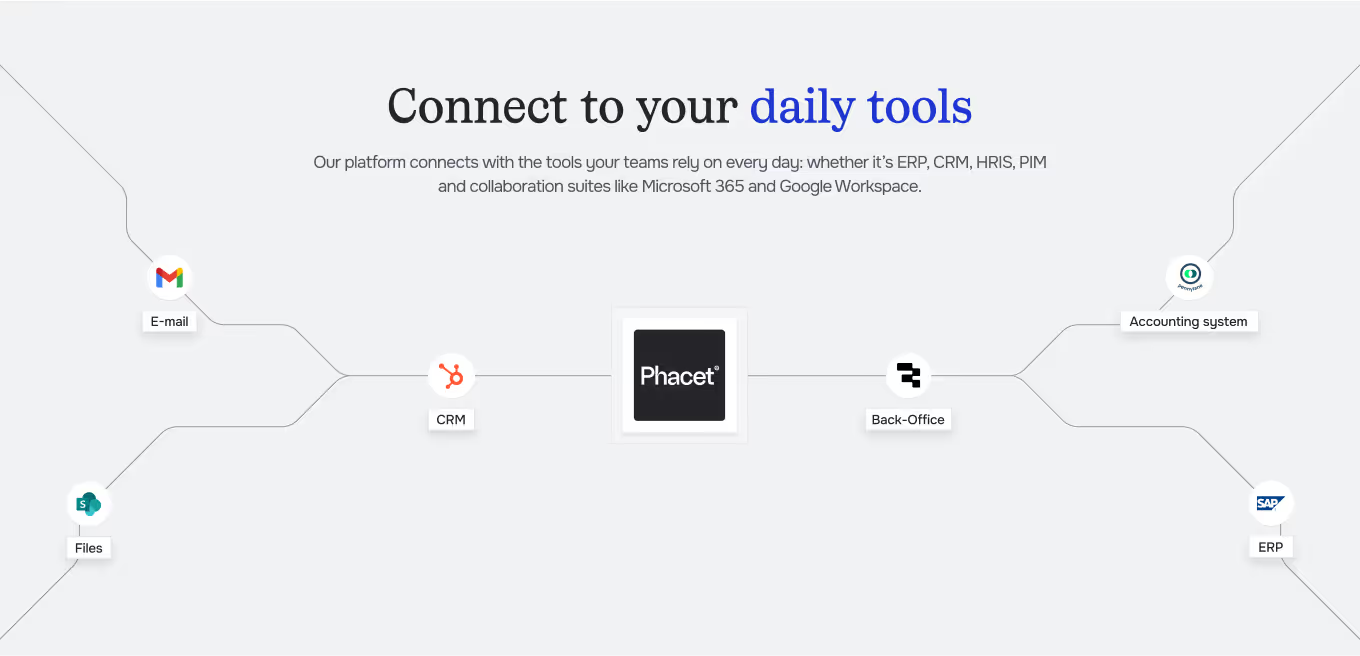
Integrated with everything





%201.svg)




"Hotels in the Astotel group saved thousands of euros per supplier per year and cut control time by two hours a day."

Steps to get Started
Organize your price lists and invoices
Upload negotiated price lists, historical invoices, and define supplier references in Phacet.
Trigger invoice extraction
Launch the Agent to perform OCR and extract line items from PDFs or ERP exports.
Compare automatically
Let AI match items to your negotiated pricing and flag discrepancies, thresholds, and anomalies.
Review and act
Validate flagged issues, export reports, and trigger supplier claims or internal updates in one click.
Unlock your AI potential
Do more with your existing resources using tailored AI solutions.
Frequently Asked Questions


