3-Way Matching - Stop losing money on supplier mismatches
Automatically reconcile invoices, delivery notes, and POs to detect billing errors and avoid overpayments.

Introduction
Finance and operations teams often struggle to match supplier invoices with delivery notes and purchase orders because of scattered data, manual processing, and inconsistent formats. Phacet automates 3-way matching using advanced AI skills like data extraction, reconciliation, and discrepancy detection, enabling faster controls and fewer errors even at scale.
When to use this Phacet ?
Perfect for finance teams and controllers who want to:
• Ensure invoice amounts and quantities match deliveries.
• Detect supplier billing errors and avoid overpayments.
• Save time by reducing manual reconciliation efforts.
AI skills involved

Automatically pull key data points from your documents
Phacet identifies and extracts the fields that matter — invoice numbers, amounts, due dates, IBANs, supplier references, VAT codes, contract terms — even from unstructured or inconsistent documents. Data comes out clean and ready to use in the next step.

Automatically match your data across files, tools and systems
Phacet cross-references your data across sources - invoices vs. payments, POs vs. receipts, bank lines vs. GL entries, CRM deals vs. billing records. It tells you exactly what matches, what's missing, and what's off. No VLOOKUP, no manual comparison.

Validate every line against your rules, thresholds and references
Define your rules once - negotiated prices, spending caps, expense policy, contract conditions, approval thresholds - and Phacet applies them to every single row, every time. Every discrepancy is flagged with the exact reason, ready for review.

Route exceptions to the right person and track every decision
Phacet doesn't decide edge cases alone. It routes ambiguous results to the right person with full context - original document, matched data, confidence score. Your team validates, corrects or rejects. Every decision is logged. The AI learns from each correction and gets more accurate over time.

Read and convert any financial file, whatever the format
Phacet reads PDFs, scanned invoices, bank statements, email attachments and ERP exports natively — regardless of layout, quality or source. No manual preparation, no template to configure. If you can open it, Phacet can read it.
Business impact

Up to 92% reconciliation accuracy
Reach high matching performance in just weeks, reducing manual checks.

98% extraction reliability
Ensure invoice and delivery note data is captured cleanly and consistently.

70%+ time saved
Accelerate invoice-to-PO reconciliation and free teams from tedious controls.

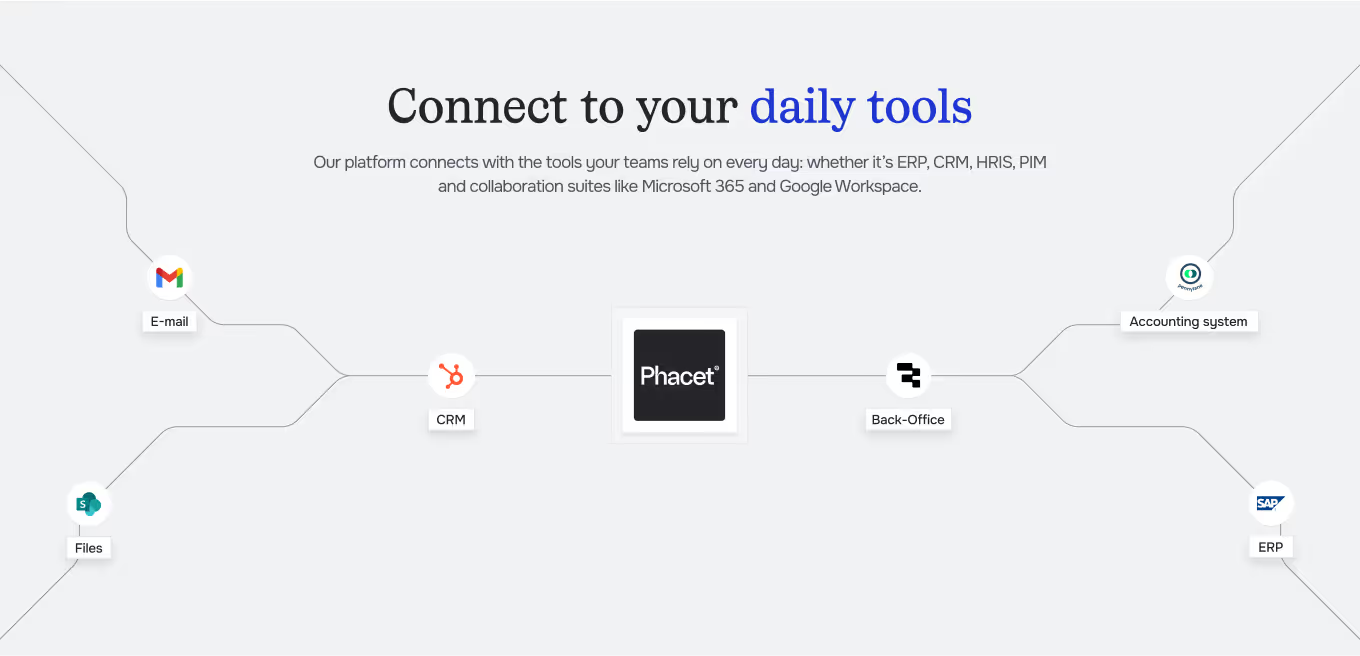
Integrated with everything




%201.svg)








“We process 1,700 supplier invoices per month. Thanks to Phacet, we’ve reached 98% extraction accuracy and 85% reconciliation performance in just 3 weeks with no more manual checks.”
Steps to get Started
Set up your systems
Link your accounting system (e.g. Pennylane, Netsuite, Sage) and business ERP data.
Import your documents
Pull supplier invoices, delivery notes, and purchase orders via API, SFTP, or direct file upload.
Extract & Structure
Phacet automatically extracts supplier, product, quantity, and price data, then normalizes formats for reliable comparison.
Match & Validate
AI reconciles invoices against orders and delivery notes, flags discrepancies, and lets you validate or adjust before syncing back into your ERP.
Unlock your AI potential
Do more with your existing resources using tailored AI solutions.
Frequently Asked Questions
It is the reconciliation of three documents: the purchase order (what was ordered), the delivery note (what was received), and the invoice (what is billed). The goal is to ensure consistency before payment.
Yes. Phacet processes invoices from 5 to 70+ line items, including multi-page PDFs. Matching is done reference by reference, regardless of volume.
The invoice is blocked and the discrepancy is flagged with details (affected line, variance in € and %, source document). You can choose to approve, dispute, or escalate.
Yes, you can define tolerance thresholds by type of discrepancy. Small acceptable variances are automatically approved.
No. Phacet handles heterogeneous formats: PDFs for invoices, Excel for delivery notes, and ERP exports for purchase orders. The AI normalizes everything before matching.


